
You haven't signed in yet, you can have a better experience after signing in
*Please complete the payment within {{receiveCouponInfo.expire_at}}Previous use*
You haven't signed in yet, you can have a better experience after signing in



Activity Rules
1、Activity time:{{ info.groupon.start_at }} ~ {{ info.groupon.end_at }}。
1、Activity time:cease when sold out。
2、Validity period of the Group Buying:{{ info.groupon.expire_days * 24 }} hours。
3、Number of Group Buying:{{ info.groupon.need_count }}x。
Please Pay Attention
1、Teamwork process: Join/initiate a Group Buying and make a successful payment - Within the validity period, the number of team members meets the activity requirements - Group Buying succeeded!
2、If the number of participants cannot be met within the valid period, the group will fail, and the paid amount will be refunded in the original way.
3、The number of people required and the time of the event may vary among different products. Please pay attention to the rules of the event.
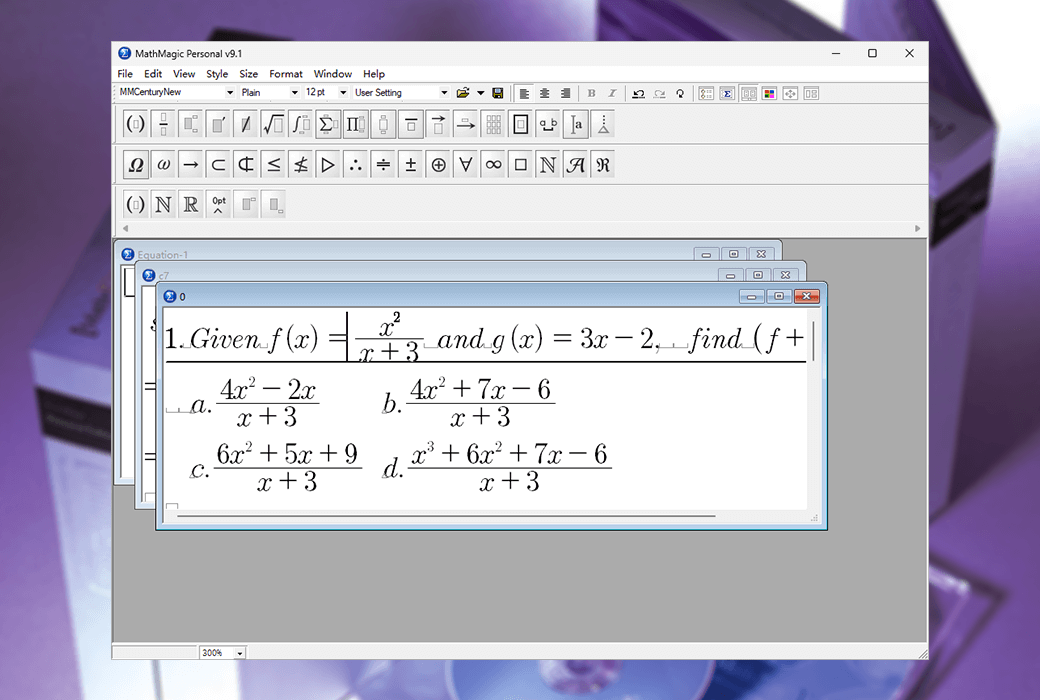
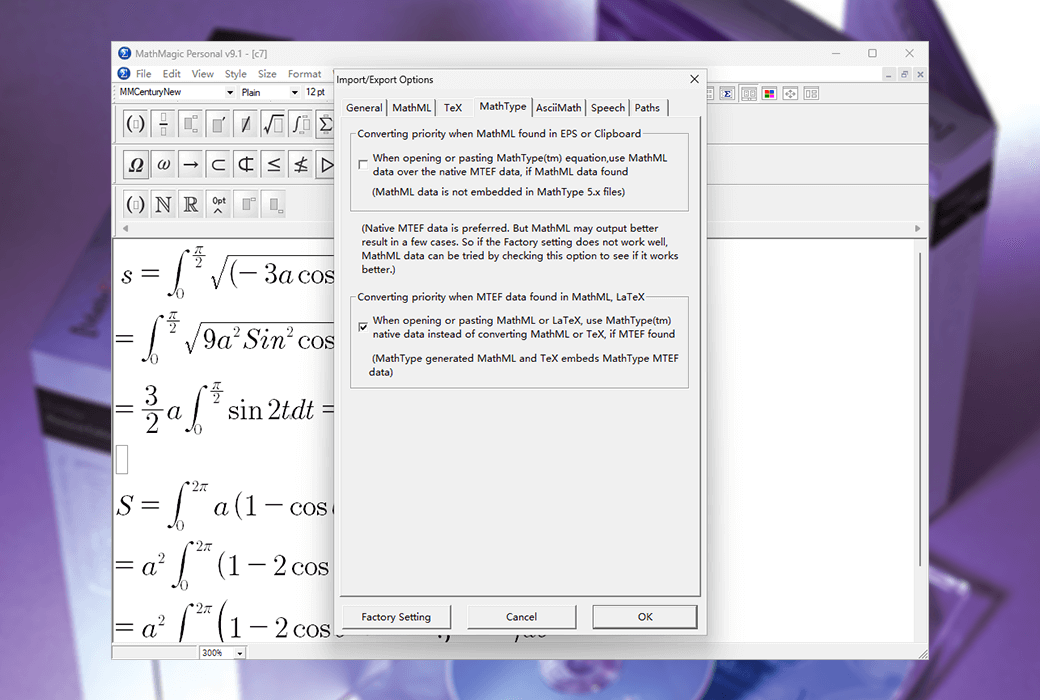
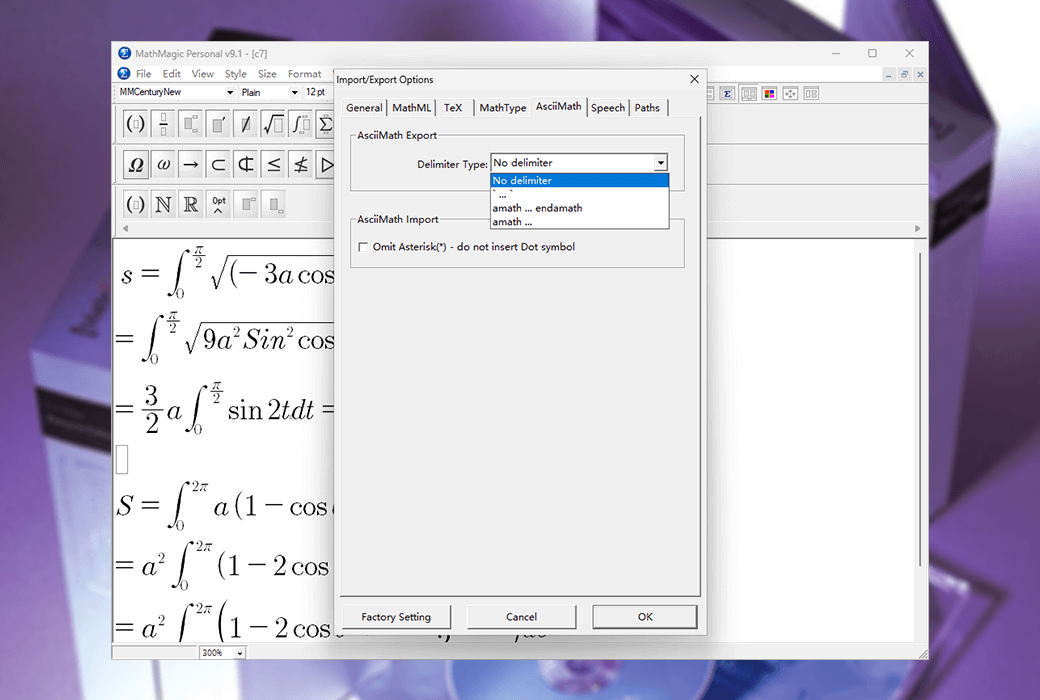
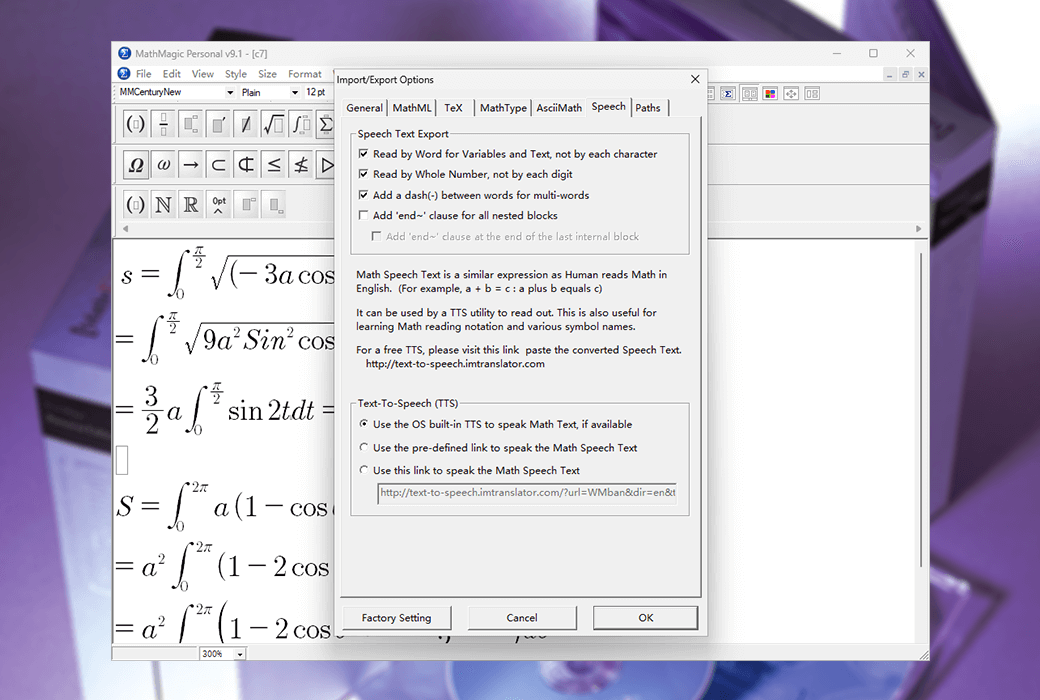
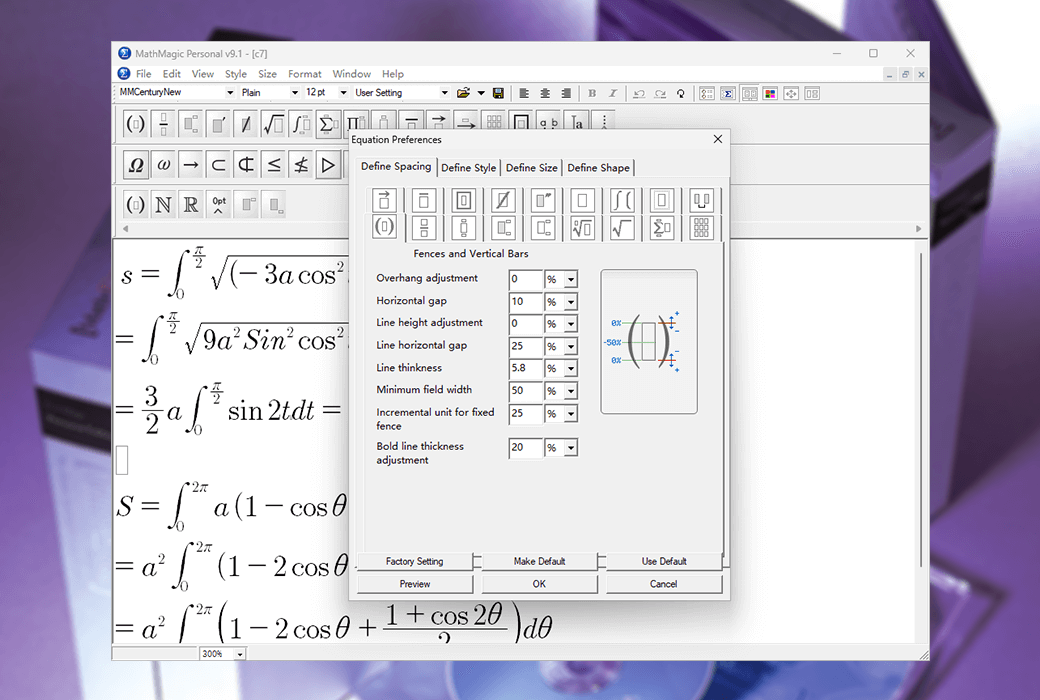
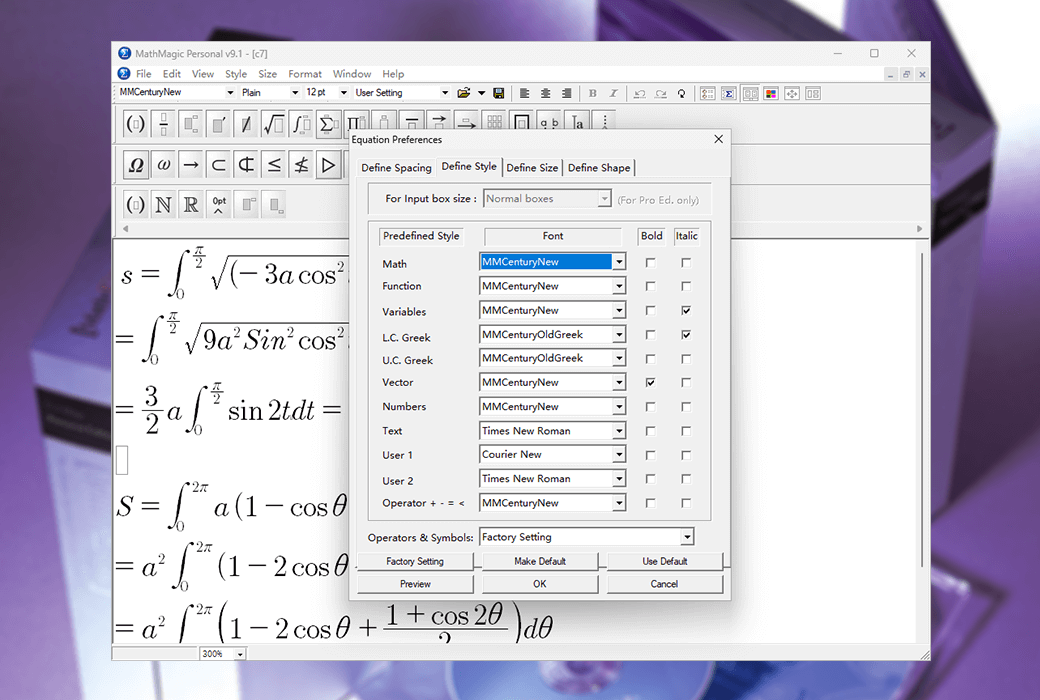
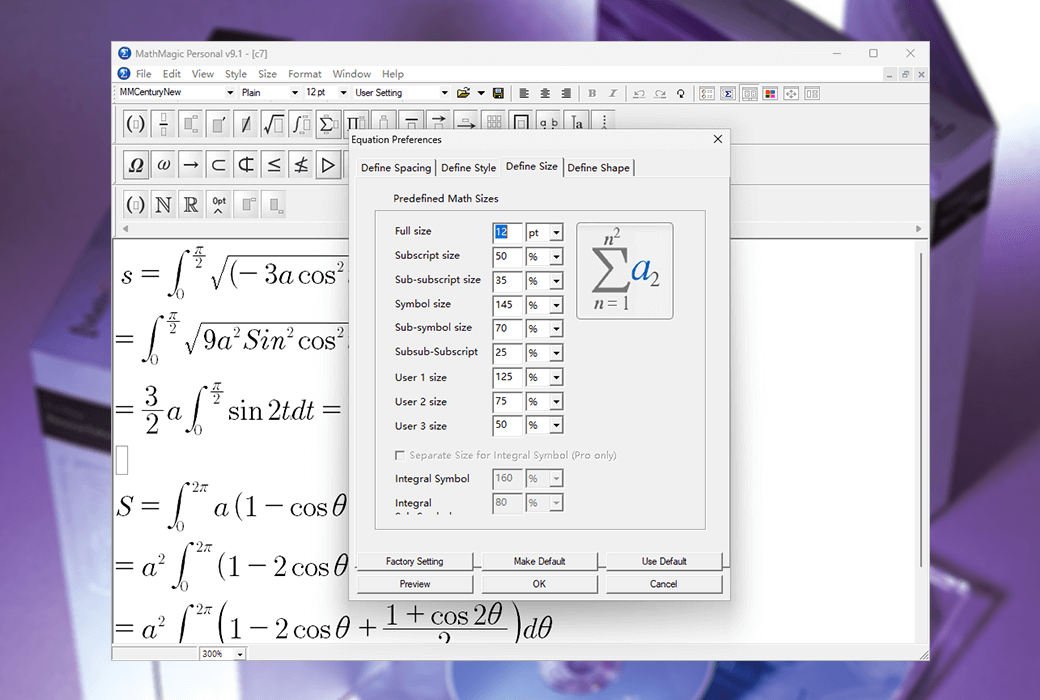
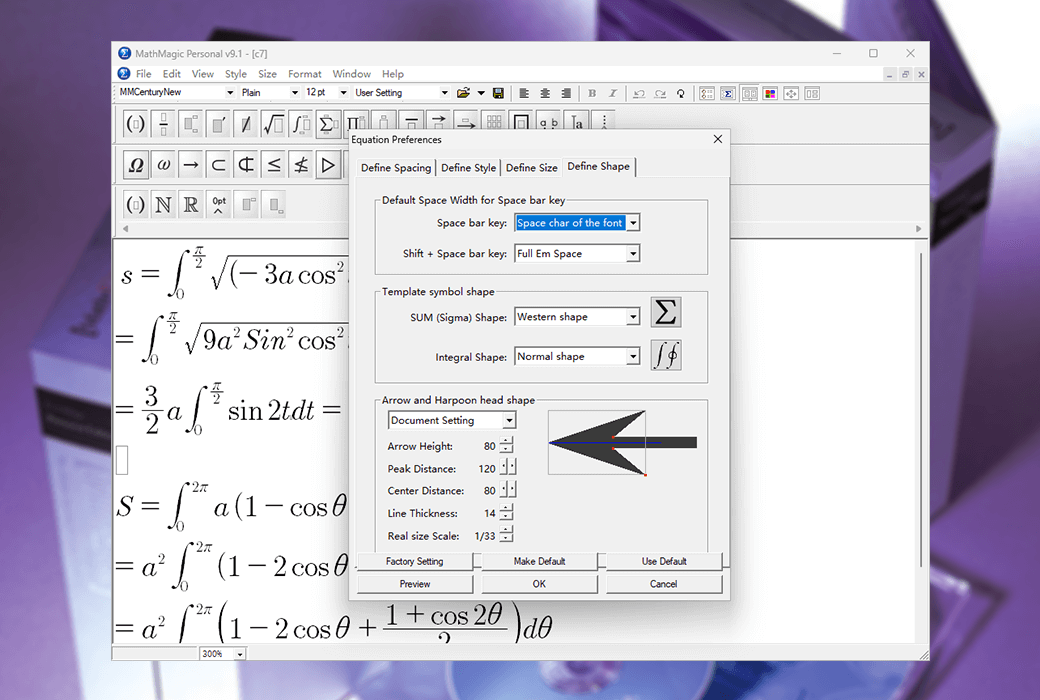
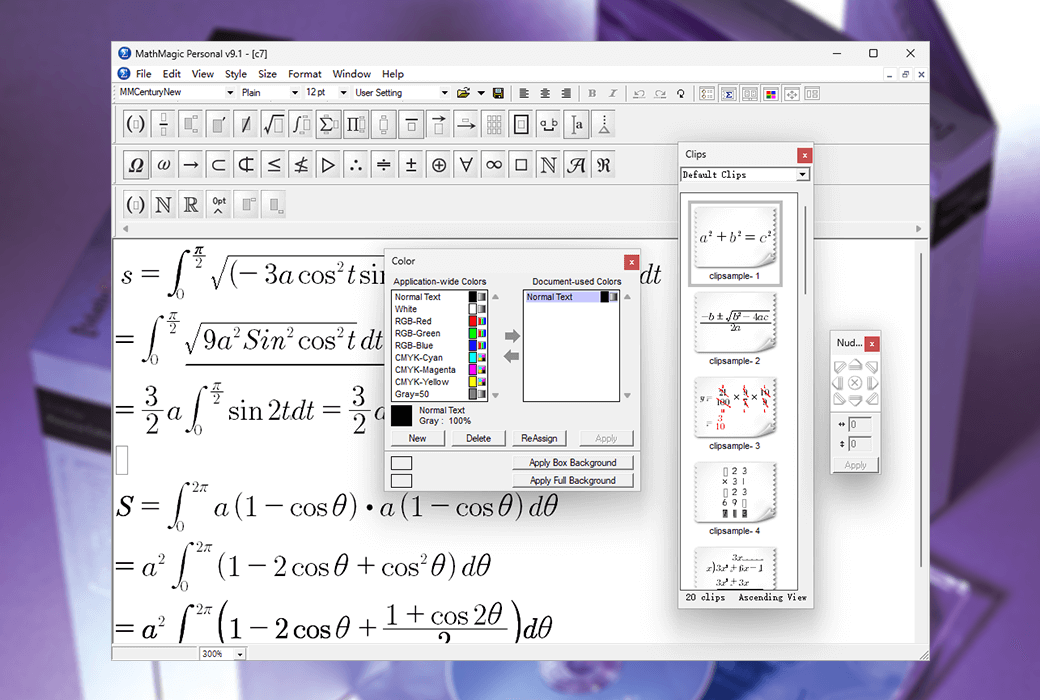
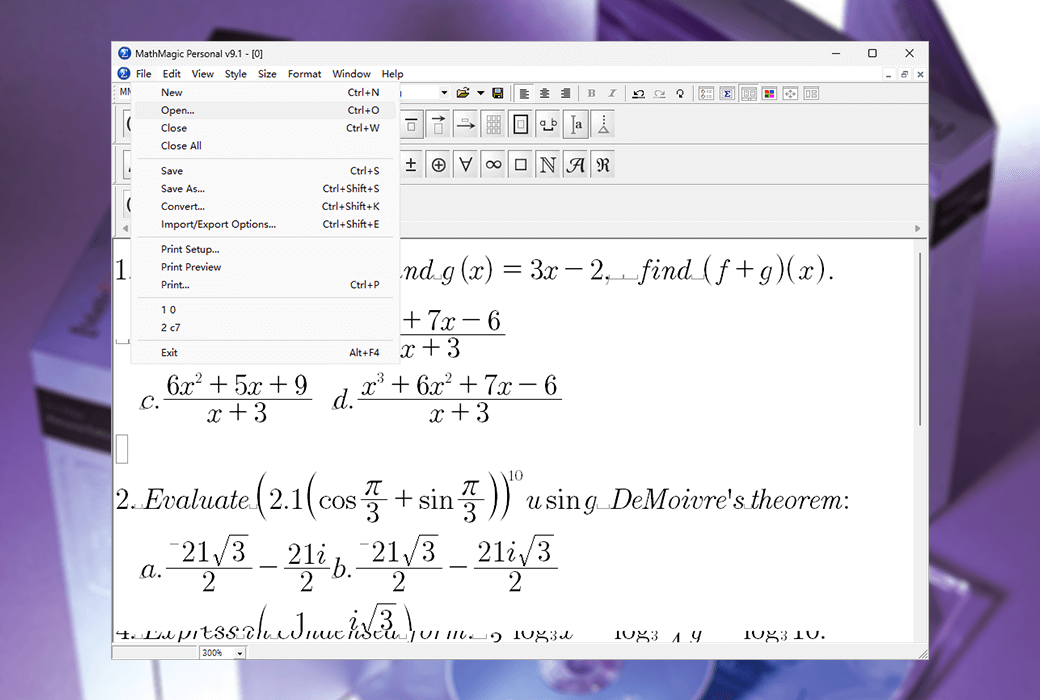
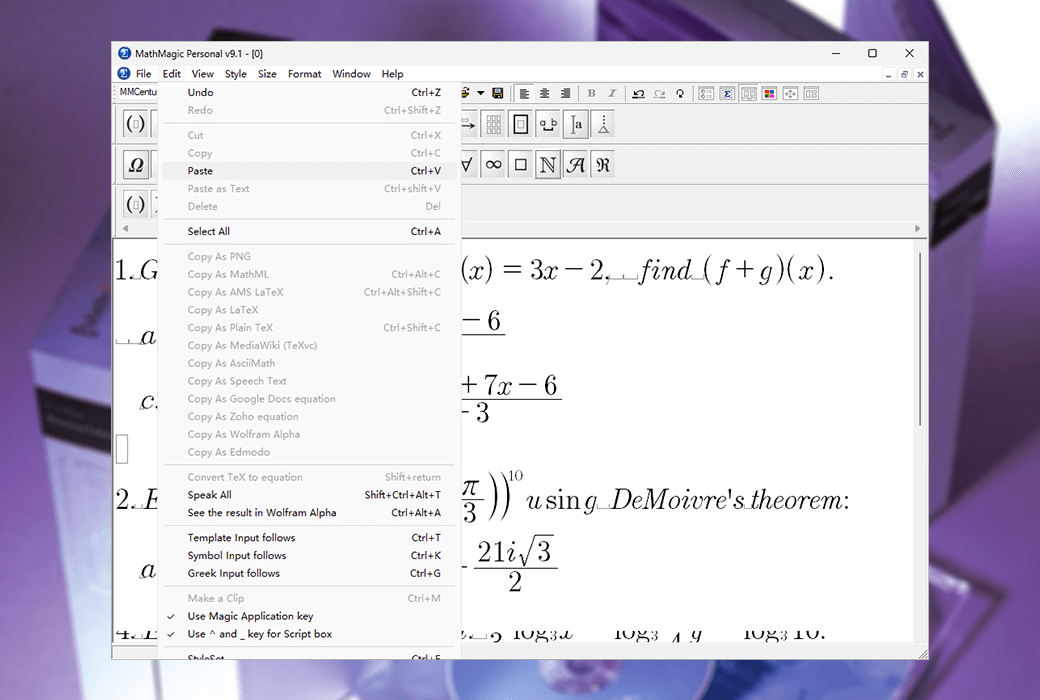
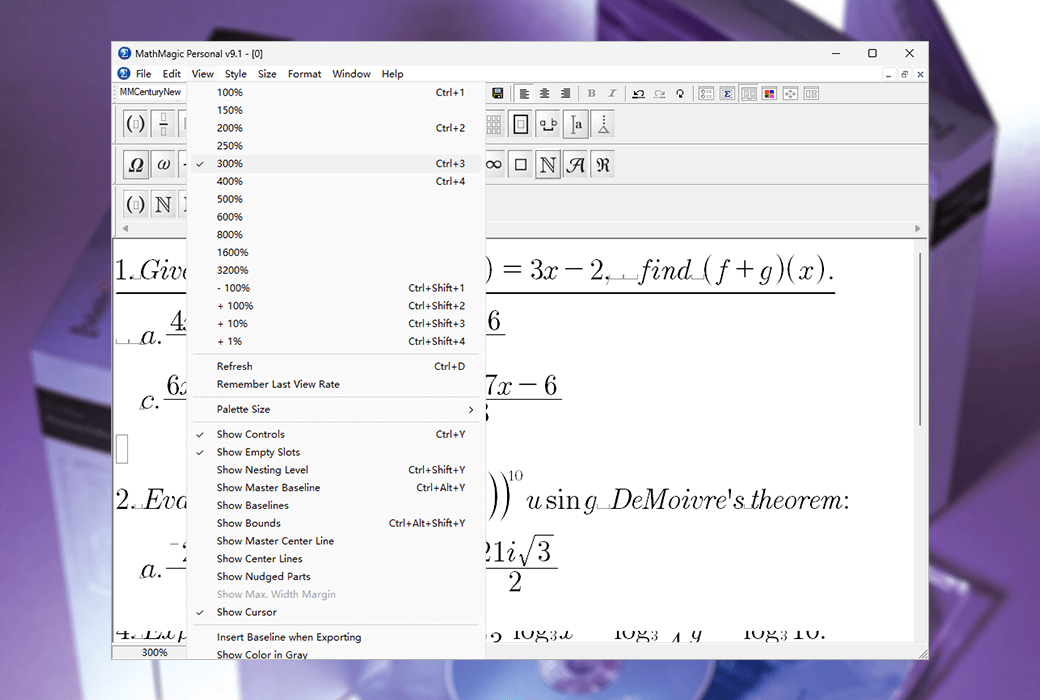
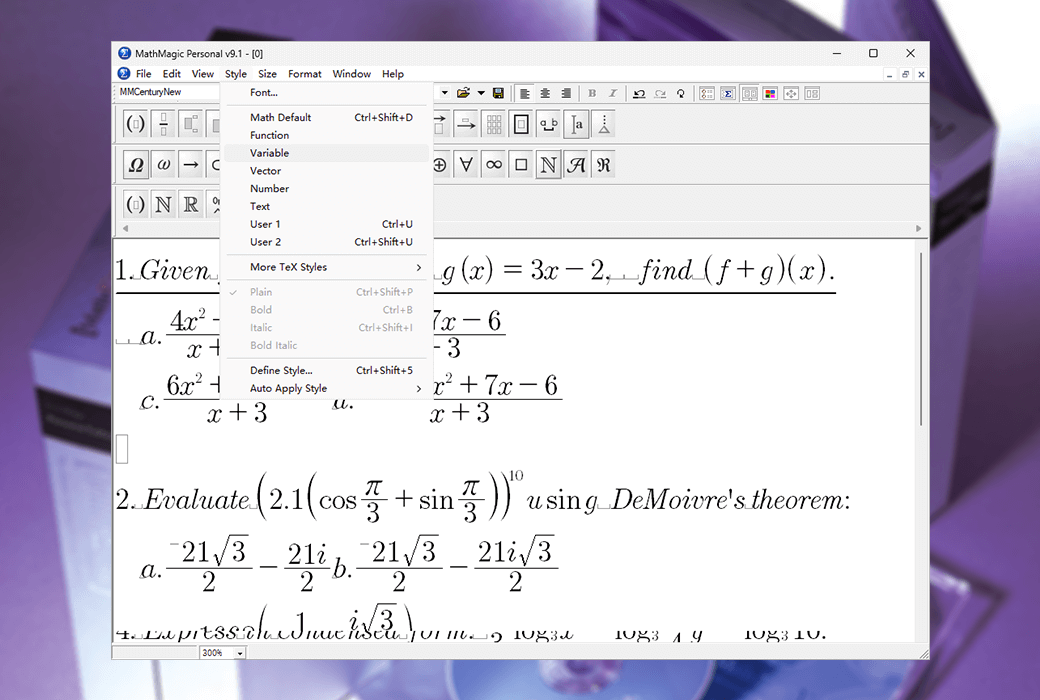
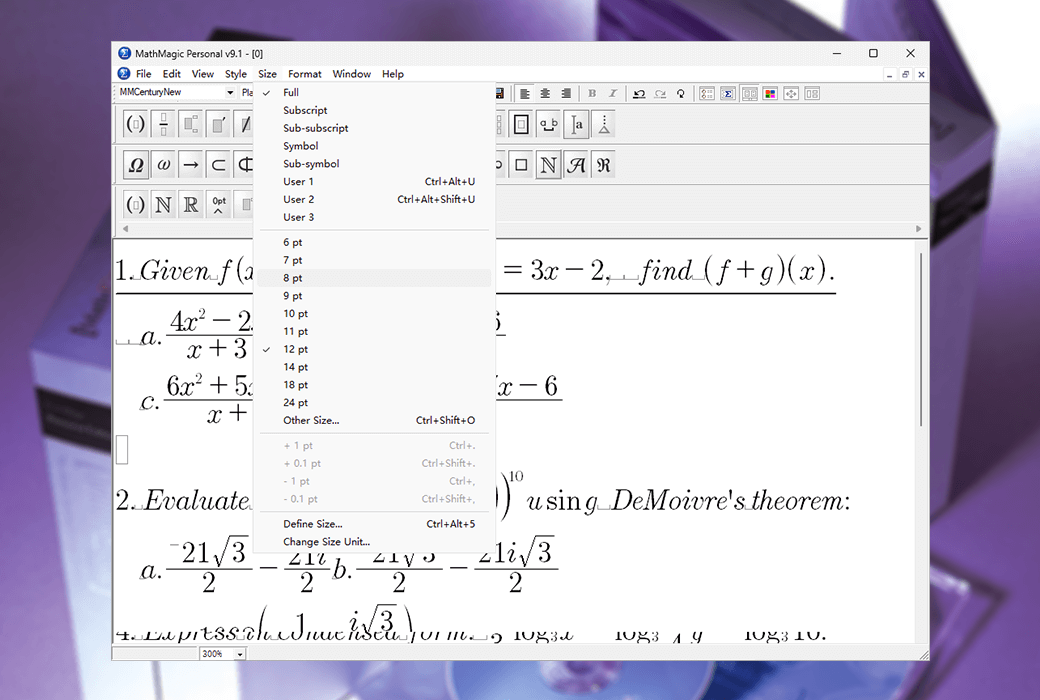
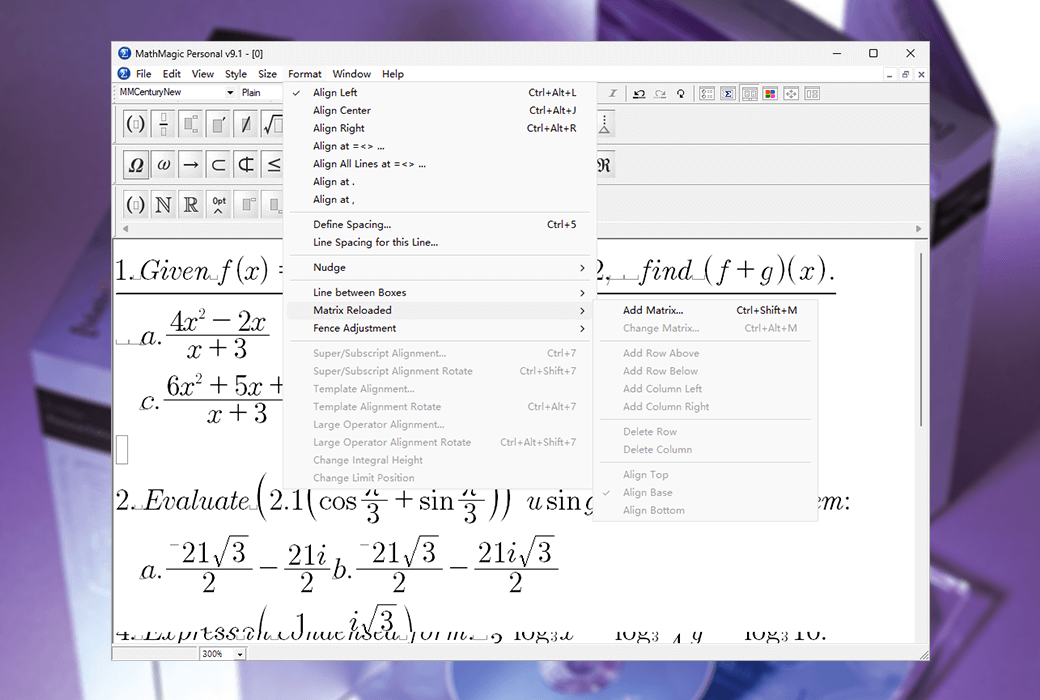
MathMagic Personal Edition is an independent equation editor application that can be used to edit any mathematical expression and symbol, with an easy-to-use graphical interface and various powerful features. MathMagic Personal Edition can be used with any word processor, presentation software (such as Keynote or PowerPoint), graphics software (such as Adobe Illustrator, Photoshop, InDesign, etc.).
Convenient user interface
Excellent productivity
Powerful and customizable features
Targeting all users
Students, teachers, professors, researchers, engineers, editors, publishers
Beginners do not need to learn. It's like another word processor.
Everyone can start creating equations in seconds. Powerful and flexible features are also available
Provides advanced users with the ability to improve work efficiency.
Cross platform
macOS X、Windows、Android、iOS。 Adobe ® InDesign ® And QuarkXPress ®, Desktop publishing platform.
Share your work with others, other software, or other platforms.
Numerous high-quality fonts
OpenType, TrueType, and Postscript formats offer a variety of high-quality fonts to meet your PDF embedding and high-end publishing needs.
Official Website:http://www.mathmagic.com/product/pemf.htm
Download Center:https://mathmagic.apsgo.cn
Delivery Time: Manual processing
Operating Platform: Windows, macOS
Interface Language: Supports English interface display.
Update Instructions:Use and update the software and receive technical support within the subscription period.
Trial Before Purchase: Free trial available before purchase.
How to Receive the Product: After purchase, the activation information will be sent to the email address provided during the order process. You can also view the corresponding product activation code in your personal center, under "My Orders".
Number of Devices: Can be installed on 1 computer.
Changing Computers:You can self-apply for a license transfer once within the subscription period. For the 2-month and 6-month versions, license transfer is not supported.
Activation Guide: To be added.
Special Instructions: To purchase the academic version, a valid school/organization name or email address is required.
.
Any question

Some of your fonts may be corrupted, or your macOS font cache may be corrupted
This may happen more frequently if you have installed too many fonts, such as over 1000 fonts
Please move unused fonts out of the Fonts folder and only keep frequently used fonts, trying to keep them under 500
Then, restart your Mac while holding down the Shift key until "Safe Mode" appears on the screen
This will allow your Mac to delete and rebuild the cache, including the font cache
After the login interface appears, log in to your user account, and then restart your Mac again, without holding down the Shift key
Then, try using MathMagic again
If this step does not solve the problem, search for and use a third-party tool to repair the font cache on Google or the App Store
Additionally, try obtaining a brand new copy of the font (in OpenType or TrueType format) from the font supplier and reinstalling it
Also, check the permission settings of the font file to see if it has at least "Read" permission
If the font is in a subfolder, move the font out of it and install it directly under the Fonts folder
Alternatively, if possible, install the font under the (root directory)/Library/Fonts/ folder, which can reduce permission-related issues
Then, restart your computer and try again